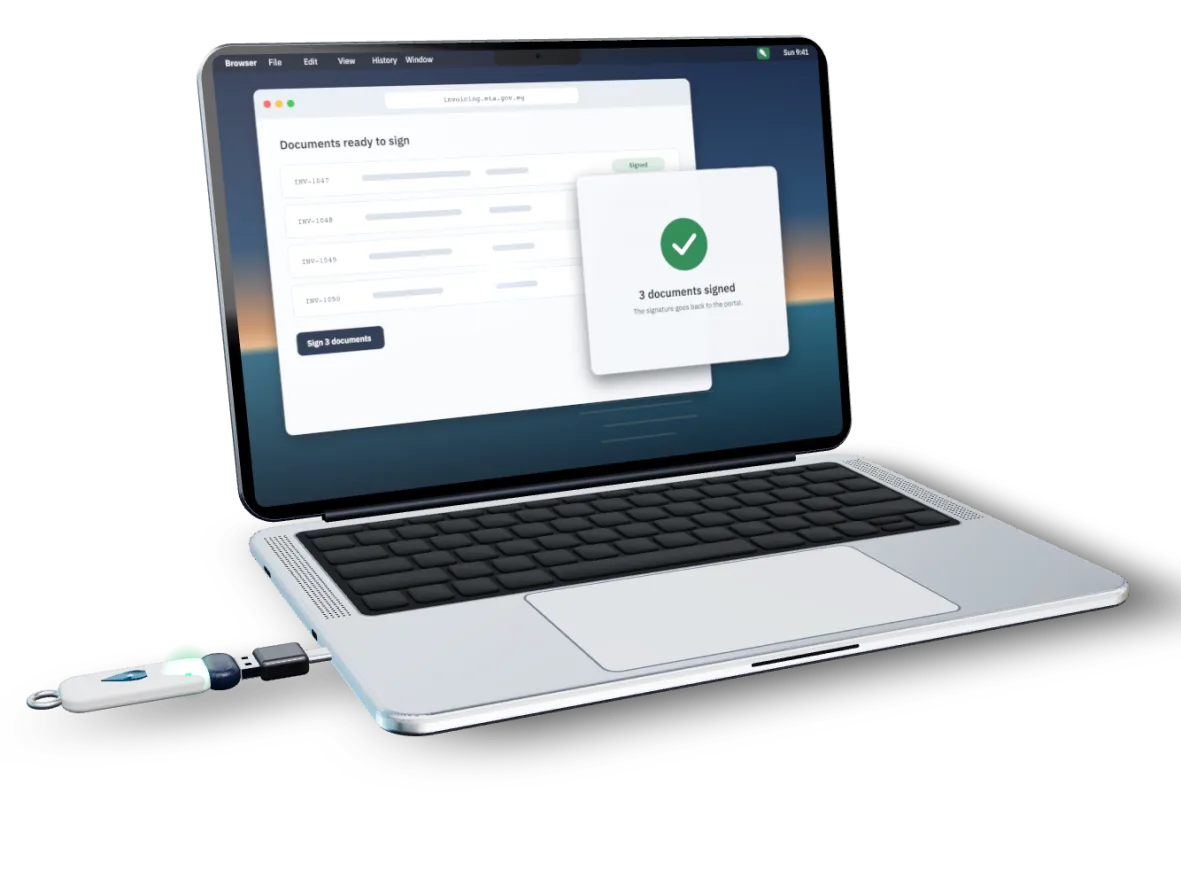

The signing helper only runs on Windows.
The Egyptian Tax Authority’s e-invoicing portal signs documents through ITIDA’s signing helper, which only runs on Windows.
So Mac users today
- run Windows in a virtual machine (e.g. Parallels)
- or keep a separate Windows PC just to sign.

With ETA Signer
A small menu-bar app that replaces the Windows signing helper on macOS.
You keep using the portal. Your Mac does the signing.
You use the e-invoicing portal in your browser as usual. When you click sign, the portal talks to ETA Signer on your own Mac, and your USB token signs.
Signs batches: up to 10 documents with one PIN entry.Step 1: Plug in your token
Plug your USB token into your Mac and open the e-invoicing portal in your browser.
Step 2: Click sign and check
A small Mac window shows you exactly what you are about to sign.
Step 3: Type your PIN once
One PIN for the whole batch. Your token signs, and the signature goes back to the portal.
 ETA Signer
Your key stays on the token. Your invoices stay on your Mac.
Your private key never leaves the token
ETA Signer asks the token to sign; it cannot read or copy the key.
Your PIN is never stored
It goes straight to the token (or the macOS system dialog), once per batch.
Only the official portal
Only https://invoicing.eta.gov.eg can talk to the app. Every other website is refused.
You see what you sign
A native confirmation window shows what you’re signing; the Sign button waits a moment so it can’t be clicked by accident.
Nothing is sent to us
Signing happens on your Mac. Invoices, PINs and keys are never sent to us. No analytics, no telemetry.
Signed and notarized
Signed by the developer and notarized by Apple.

Works with what you already have.
- Mac
- macOS 13 Ventura or later
- Apple Silicon and Intel (Universal).
- Token
- USB token with an Egypt Trust certificate
- Via the Mac’s built-in token support or PKCS#11 (e.g. Feitian ePass2003 with OpenSC or the vendor library).
- Browser
- Any browser on your Mac
- Whichever one opens the e-invoicing portal.
Free to try · then yearly or one-time, your choice
Yearly or one-time
- Yearly: signing and every update while subscribed
- One-time: pay once, covers every 1.x version
- One licence per tax registration number
- Prices announced soon
Accountants handling several companies: one licence per tax number.
Questions
Something else? Write to hello@etasigner.com
Is this an official ETA or ITIDA product?
No. ETA Signer is independent and not made, endorsed or supported by the Egyptian Tax Authority, ITIDA, Egypt Trust or any token maker. Names are used only to describe compatibility.
Who makes ETA Signer?
Youssef Maged, an independent software engineer in Egypt. He builds, sells and supports it himself. More on the About page.
Do I still need Windows or Parallels?
No, not for signing.
Does it work offline?
The portal itself needs the internet. Paid licences check in with our server about every few weeks while you sign; free signatures are counted online.
What does it send to your server?
Free signatures (to count them: certificate + document fingerprint, not the document), licence renewals, and a daily version check. Never invoices, PINs or keys.
Which tokens?
Egypt Trust certificates on USB tokens such as Feitian ePass2003.
Can I move my licence to another Mac?
The licence is tied to your tax registration number, not the Mac.
Refunds?
Your next invoice, signed on your Mac.
3 free signatures per tax registration number. No card needed.
Built and supported by Youssef Maged, an independent developer in Egypt.